

How to Turn 1 Article Into 7 Platform-Native Pieces in 90 Seconds (n8n Tutorial)
A step-by-step blueprint for content multiplication with the downloadable workflow file.



A few months ago, I published the full blueprint for my content repurposing system. One newsletter URL into a Google Sheet, and Make.com delivers 5 LinkedIn posts, 10 Substack Notes, and 3 Twitter threads.
That system changed my weekly workflow. What used to take 5 hours of manual reformatting now takes 30 minutes of polish.
But it has limits I never solved.
It only covers 3 platforms. No YouTube scripts, no email variations, no quote graphics. And the output quality varies. Some pieces come out sharp, some come out sounding like generic AI rewrites, and I have to catch those manually.
The biggest gap: my system takes the article and adapts it for each platform’s format. That works for most pieces. But a great LinkedIn post is built from different raw material, a different hook, a different angle, a different entry point into the same idea. Reformatting gets you 80% there. The last 20% needs something else.
Today’s guest post is from Dheeraj Sharma, who writes GenAI Unplugged, a newsletter about building AI automation systems for Solopreneurs. He built a content repurposing workflow in n8n that solves exactly the gaps I’m describing.

🚨 In case you haven’t noticed, the exclusive AI Maker Labs post is coming early today because I have a big announcement this Thursday. We’ll also be doing more posts like this in the future, where AI experts share their AI blueprints with Maker Labs members. I hope you enjoy this post!
His system extracts the building blocks from your article first, then recomposes them natively for 7 platforms. And it has a quality gate that scores every piece and auto-revises anything that reads like AI slop.
Before we have the deep dive, you might want to explore what Dheeraj has shared in his latest newsletter posts:
Claude Code Channels Setup Guide: Telegram, Discord, and Custom Webhooks
I Built 5 Research Subagents using Claude Code (Here’s the Foundation)
Now, here’s what you’ll get from this post:
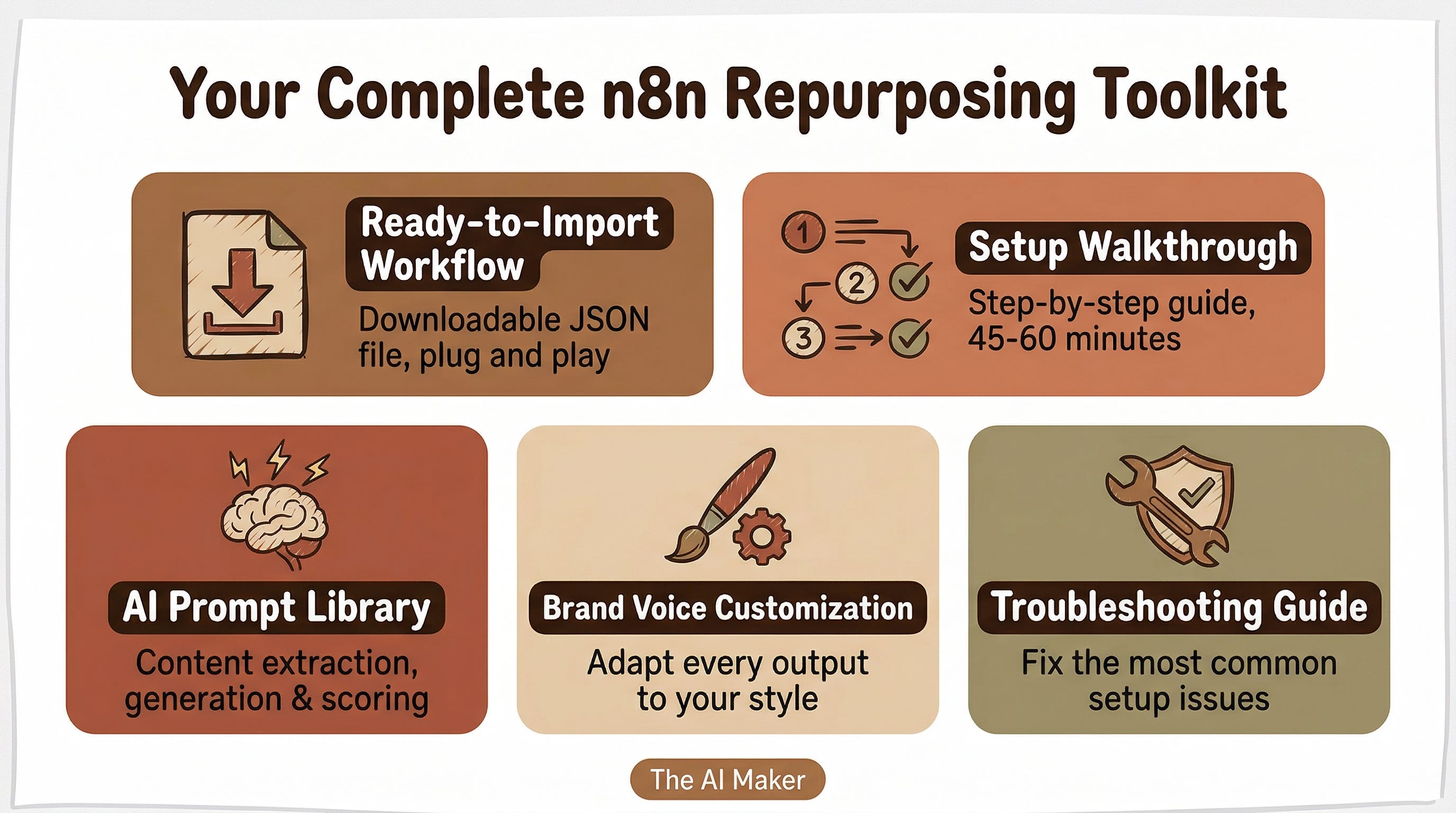
The downloadable n8n workflow file (JSON, ready to import)
Step-by-step setup walkthrough with screenshots (about 45-60 minutes)
The AI prompts powering content extraction, platform generation, and quality scoring
A customization guide so you can adapt it to your brand voice
Troubleshooting for the most common setup issues
If you built my Make.com system, think of this as the next level. If you didn’t, this is a standalone blueprint you can run on its own. And if you’ve been wanting to try n8n as an alternative to Make.com, this is a solid first project.
Here’s Dheeraj.
Hello 👋🏻
Content distribution is eating your creative hours alive.
You publish an article. It’s good. Your audience is on LinkedIn, Twitter, email, YouTube, and your blog. Each platform has different formatting rules, character limits, and audience expectations. A LinkedIn post that works bombs as a tweet. An email subject line that gets opened sounds wrong as a YouTube title. So, you:
Manually rewrite each piece
Open six tabs
Copy paragraphs, trim character counts, adjust tone, add hashtags, reformat bullet points
That’s 5 hours per article. Multiply by 2 articles per week. That’s 40+ hours a month of distribution work. At $75/hour, you’re spending $3,000 monthly on distribution. Not creating, not serving clients, not building products.
And here’s the hidden cost: you skip platforms.
You don’t have time to create a Twitter thread AND an email AND quote graphics. So you pick two platforms and leave the rest on the table.
This n8n workflow changes that. You fire a webhook, wait 90 seconds, and get back 7 platform-native content pieces, each one written specifically for its platform’s algorithm and audience expectations.
Not reformatted copies. Platform-native pieces with an AI quality gate that catches weak hooks and generic AI slop before anything reaches your audience. Total cost per execution: $0.15-0.25.
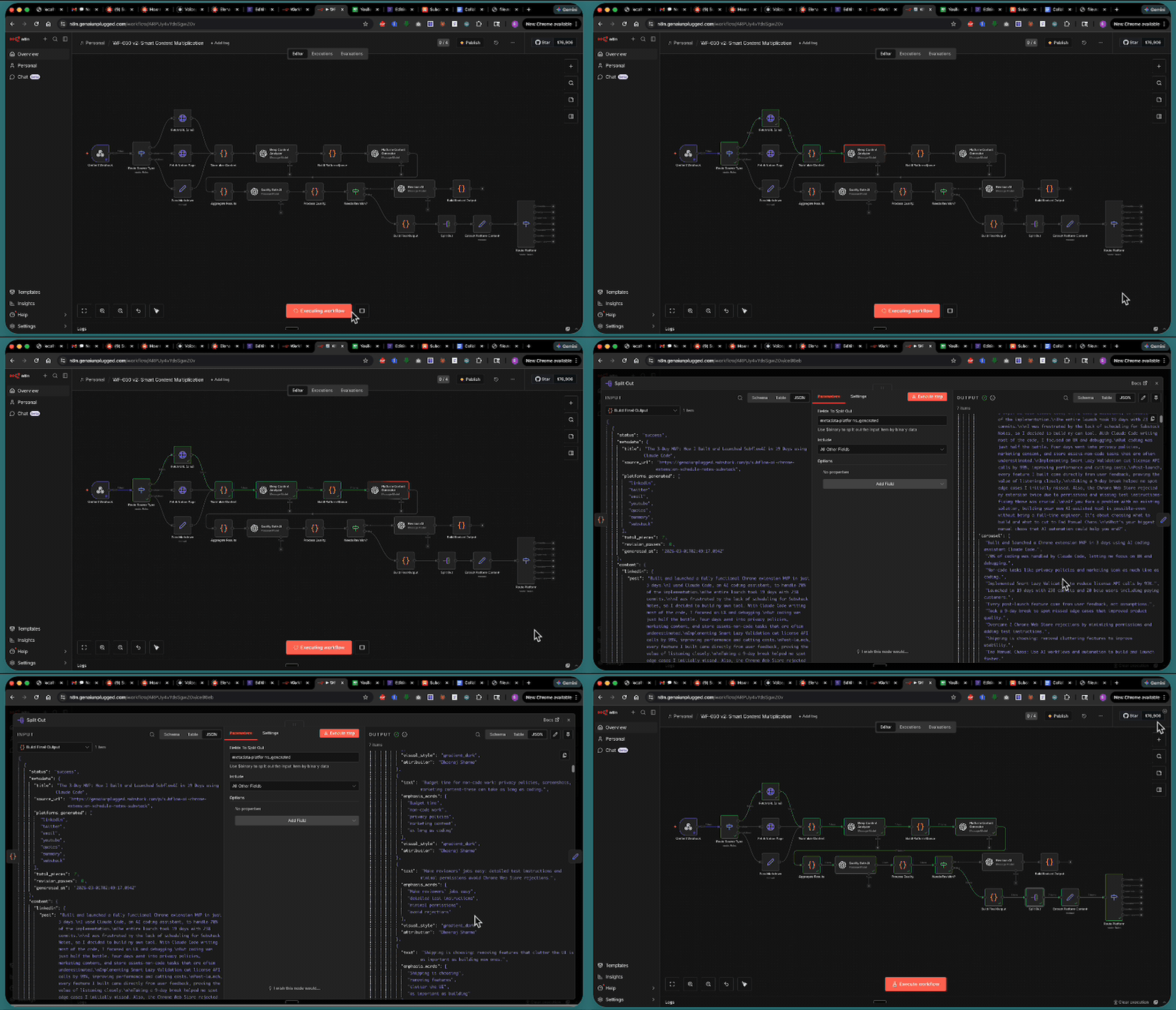
Content Multiplication, Not Content Reformatting
Content multiplication is not content reformatting. Reformatting takes your article and crams it into different character limits. Multiplication extracts the atomic building blocks like hooks, insights, data points, frameworks, stories and recomposes them into pieces that sound like they were written natively for each platform.
That’s the difference between a LinkedIn post that reads like a truncated blog and one that reads like it was born on LinkedIn.
Tuna Principle for Content Repurposing
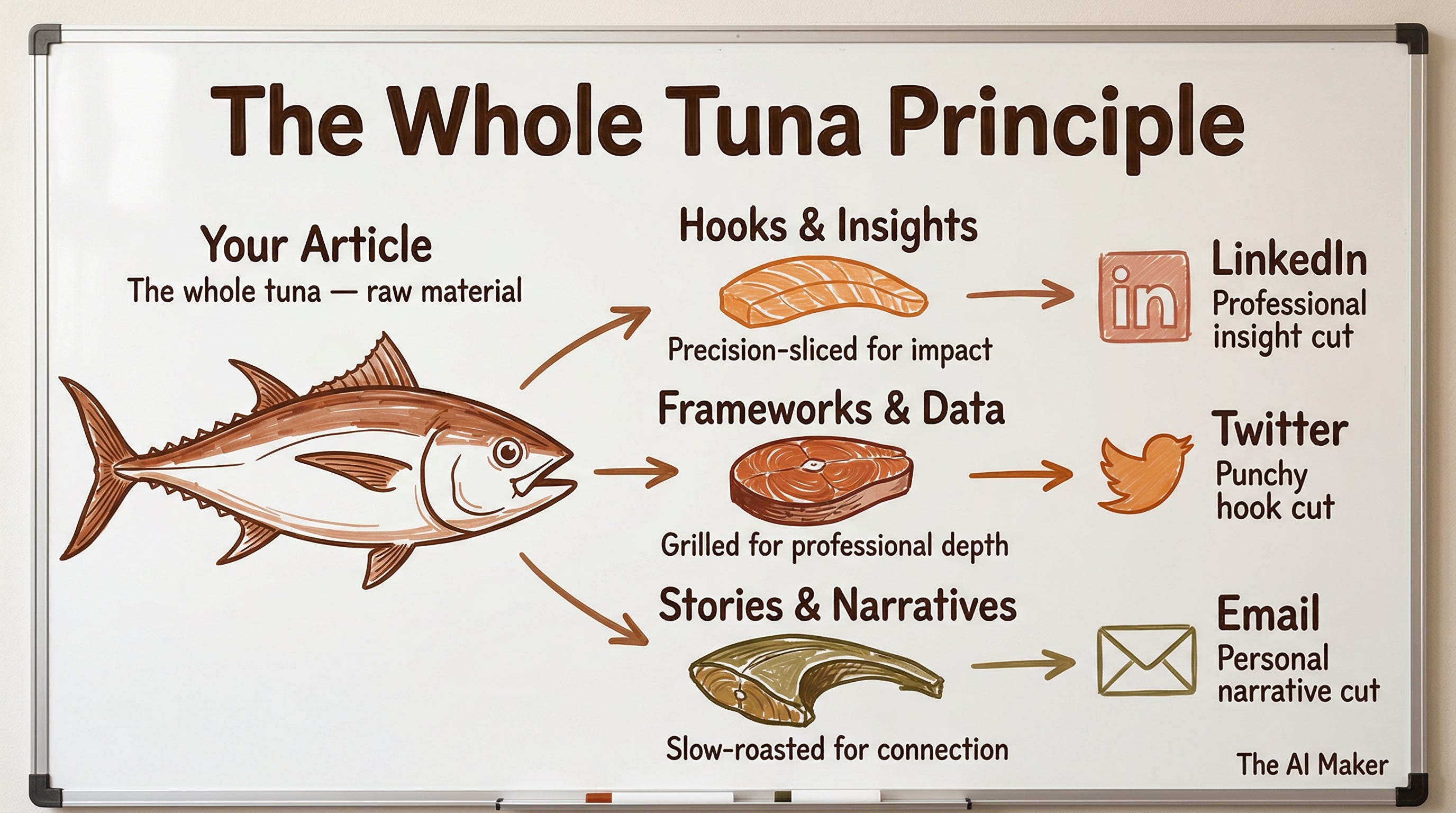
Think about how a chef handles a whole tuna at a high-end restaurant. They don’t just slice it into identical portions. They break it down into distinct cuts, sashimi-grade belly for the raw bar, loin steaks for the grill, collar meat for the special.
Each cut gets prepared differently because each dish has different requirements. The belly needs precision slicing. The collar needs slow roasting. The staff meal needs bold seasoning.
Your article is the whole tuna. Right now, you’re slicing it into identical portions and hoping each platform likes the same thing. This workflow breaks your content into its atomic building blocks.
The hooks, the data points, the stories, the frameworks and recomposes each piece specifically for its destination. LinkedIn gets the professional insight cut. Twitter gets the punchy hook cut. Email gets the personal narrative cut. Each piece is prepared for its platform, not just resized for it.
How the AI Content Repurposing Works (7 Steps)
Here’s what happens when you fire the webhook:
You send your article as a URL, a Notion page ID, or raw markdown
The workflow fetches and normalizes your content from any source using Jina.ai for URL-to-markdown conversion
An AI analyzer extracts “content atoms” from your article: hooks, insights, data points, frameworks, stories, tips, and CTAs
Each platform gets its own AI-generated content using prompts built with platform-specific algorithm intelligence
A quality gate AI reviews every piece for AI slop, weak hooks, and brand voice compliance, scoring 6 criteria
Anything scoring below 7/10 gets auto-revised with specific feedback targeting the weak areas
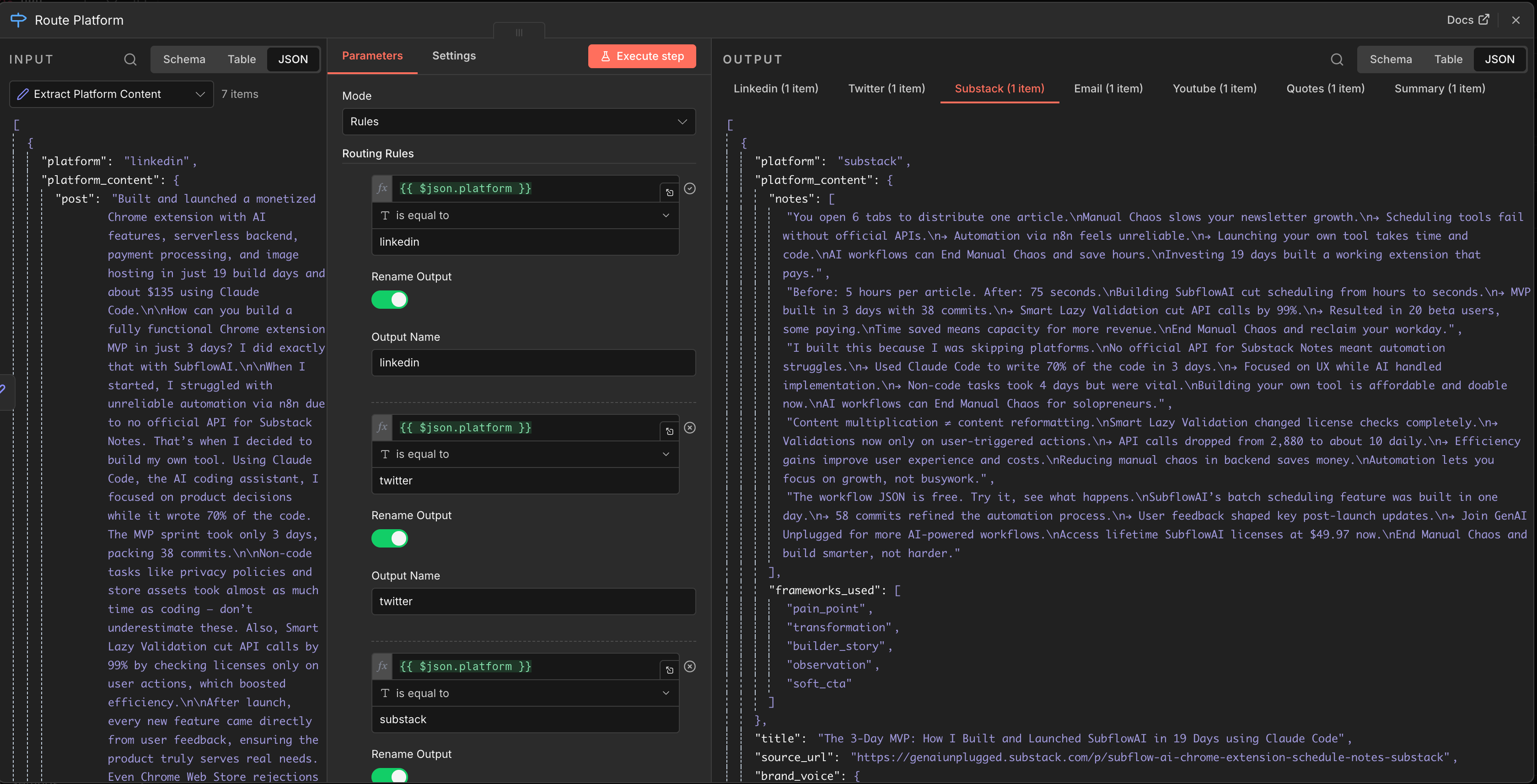
You get back a single JSON response with all 7 pieces, quality scores, and the original content atoms
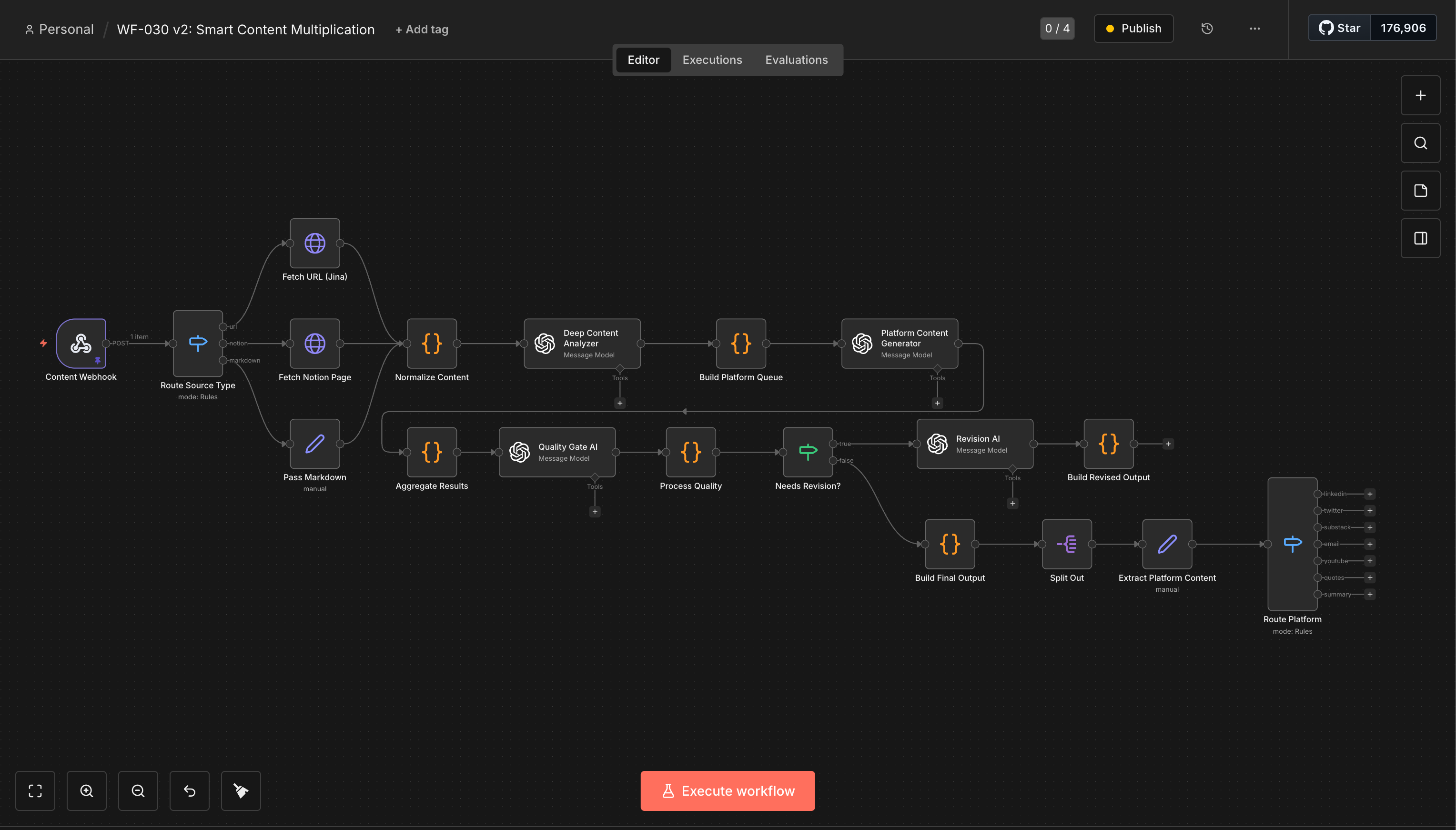
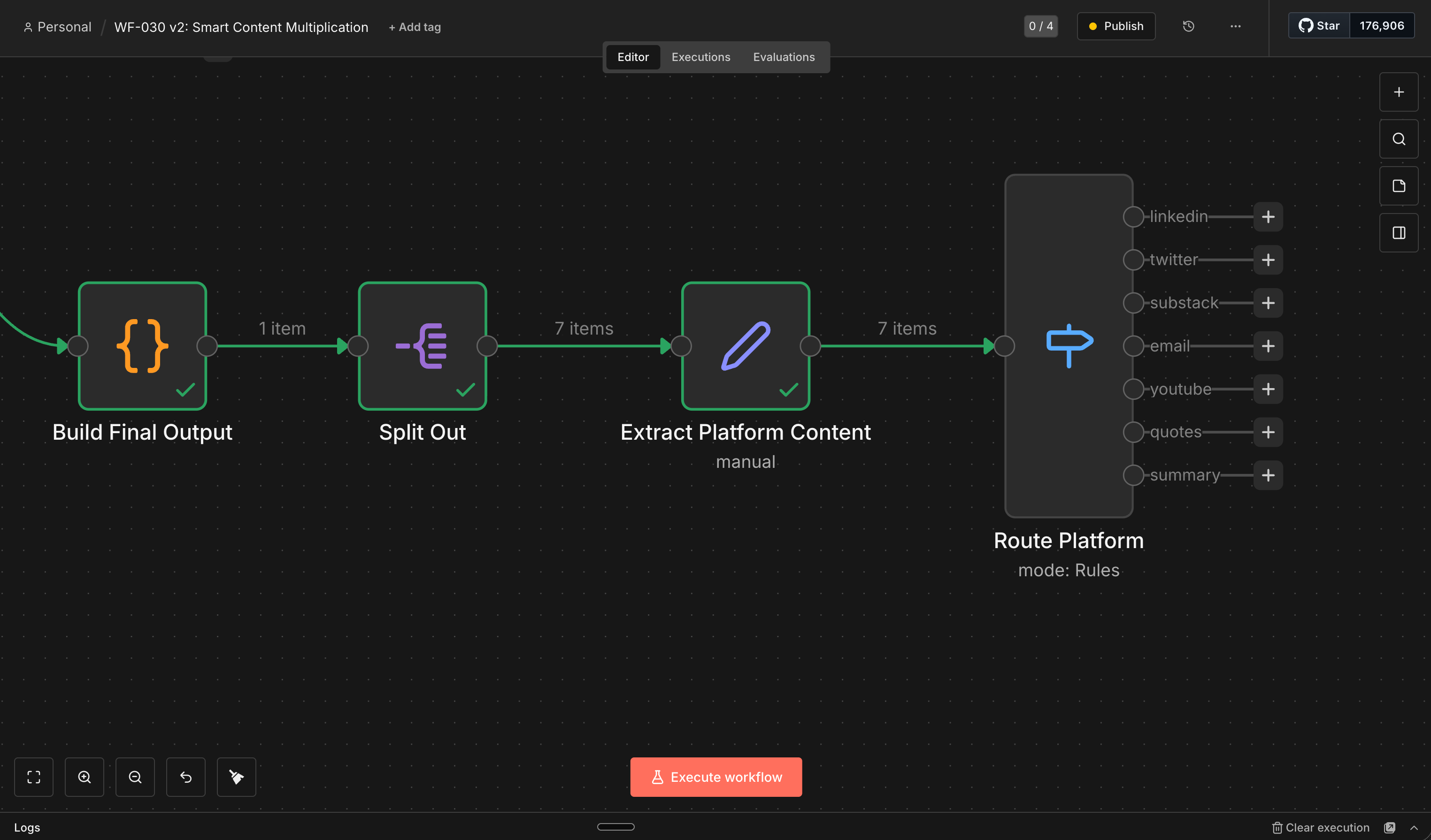
What You Get Back: 7 Platform-Native Pieces
LinkedIn post (professional insight with engagement hooks)
Twitter thread (punchy, scannable, optimized for retweets)
Substack Notes (punchy, scannable, based on proven frameworks)
Email newsletter (personal tone with clear CTA)
YouTube hook script (visual-first, pattern-interrupt opening)
Quote graphic specs (designed for sharing with key insights)
Multi-format summary (comprehensive reference piece)
Cost and Speed Breakdown
5 hours saved per article in manual distribution work
40+ hours per month at 2 articles per week
$3,000 monthly in recovered capacity at $75/hour
That’s capacity for 4 more client calls, 2 more product features, or 8 more articles
NOTE: The workflow just generates the output, you can always add distribution or publication n8n nodes like LinkedIn, Wordpress, Twitter/X, Substack (Community), Facebook, Instagram, etc.. to publish these output. If you need help adding them, just send a DM.
AI Tools You Need Before Starting
n8n - Workflow automation engine
Free : Yes (self-hosted)
Paid : $20/month (cloud)
OpenAI API - GPT-4.1-mini for 4 AI nodes
Pay-per-use
~$0.10-0.25 per execution
Jina.ai Reader - URL-to-markdown conversion
Yes (free mostly)
Notion API - Optional: Notion page input
Free (integration available)
Total monthly cost: $0 (self-hosted n8n) to $20 (cloud n8n) + ~$5-10/month in OpenAI API costs at 2 articles per week with all 7 platforms.
The workflow uses 19 nodes total with 4 AI calls per execution. The temperature gradient varies across the AI nodes. Lower for analysis, higher for creative generation, moderate for quality evaluation.
If you’re already using n8n for other automations, you can connect AI assistants to n8n workflows for even more powerful setups.
Full Setup Walkthrough
Total setup time: 45-60 minutes
Step 1: Install n8n (15 minutes)
Self-hosted (free):
Cloud ($20/month):
Sign up at n8n.io
Skip to Step 2
Step 2: Import the Workflow (5 minutes)

 | A guest post by
|