



Last week, Michael Simmons invited me to his Substack Live on Blockbuster Blueprint to do something I hadn’t really done before: open my entire Claude Code setup on screen and walk through how I actually run this newsletter.
This is not a polished demo or even a curated walkthrough. Instead, I was just sharing my screen, triggering skills, explaining what each layer does, and answering questions from the audience in real time.

And what came out of that conversation surprised even me. Because when Michael started asking about the “most impactful” thing I’ve built inside Claude Code, I realized I couldn’t point to one skill or one automation. The answer was the whole system. Every part of my newsletter operation, from researching topics to writing drafts to creating thumbnails to generating LinkedIn carousels, runs through Claude Code.
I want to share what that system actually looks like.
Why This Matters Right Now
If you’ve been using ChatGPT or Claude chat, you already know the workflow: type a prompt, get an answer, copy the output, paste it into wherever you actually work. Google Docs, email, Canva, whatever.
I lived in that world for over a year. And the thing I kept bumping into was that I was always the middleman. AI could think, but I had to do all the moving. Copy this here, paste that there, re-explain my context in every new chat window, re-upload files every time I wanted to reference something.
It works. But there’s a ceiling to it that you don’t notice until you’ve experienced something different.
When I adopted Claude Code around August 2025, three months after hearing about it (I was hesitant because the name has “code” in it and I’m not a technical person), everything shifted. I went from being the middleman between AI and my work to having an AI agent that lives inside my work. It reads my files, understands my context, triggers workflows, and executes tasks.
Now, roughly 80% of my newsletter operation runs through Claude Code. And I rarely write prompts anymore. I just speak through WisprFlow, and the system triggers the relevant skill based on what I said.
Here’s how the full system is built, layer by layer.
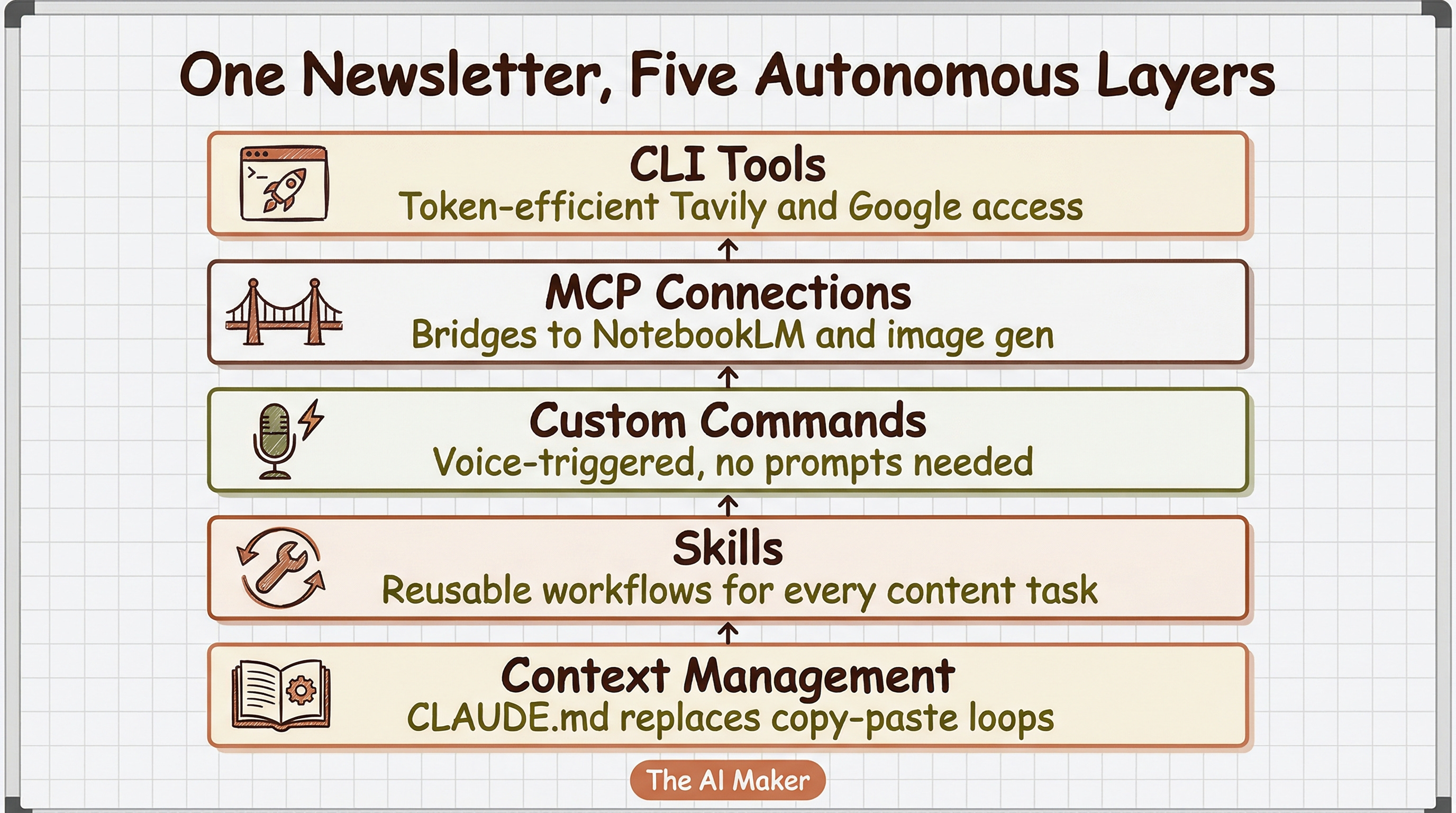
Context Management - how CLAUDE.md and local files replace the copy-paste loop
Skills - the reusable workflows that handle SEO, thumbnails, carousels, news digests, draft reviews, and social content
Custom Commands - how I trigger all of it without writing prompts (and why voice replaced typing)
MCP Connections - the bridges to external tools like NotebookLM and Nano Banana
CLI Tools - the faster, token-efficient alternative to MCP for services like Tavily and Google Workspace
Plus how all five layers fire together in a single workflow, what it looks like on a typical day, and where to start if you’re coming from chat.
🚨 This post is for paid subscribers
The five agentic layers aboe are what power The AI Maker behind the scenes. I’m sharing the full breakdown, including specific tools, how each layer connects, and lessons from building this as a non-technical creator. This post is a great introduction to agent harness, which I’ll cover in an upcoming post.
Let’s dive in.


